
Download QuietWrite – Minimalist Online Writing Space, Secure Cloud Save, Free Web App
Overview & Compatibility
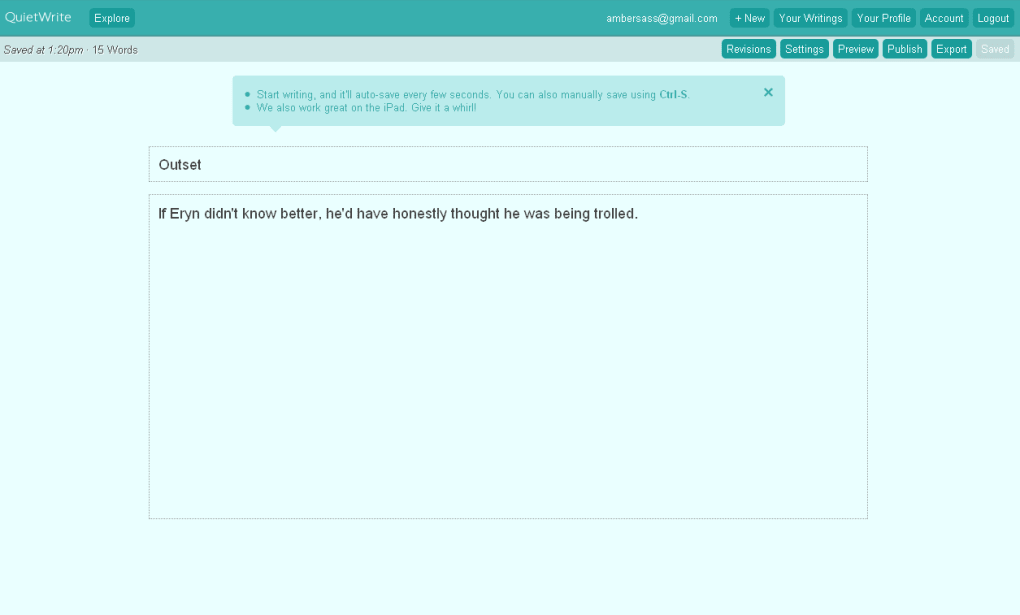
QuietWrite is a web‑based writing sanctuary that strips away the noise of modern browsers and replaces it with a calm, gray‑and‑teal canvas. The platform was built for anyone who struggles to keep focus while typing online – from novelists drafting chapters to bloggers polishing short posts. By automatically saving your work every few seconds and displaying a live word‑count, QuietWrite removes two of the biggest frustrations writers face: accidental data loss and the endless search for a reliable counter.
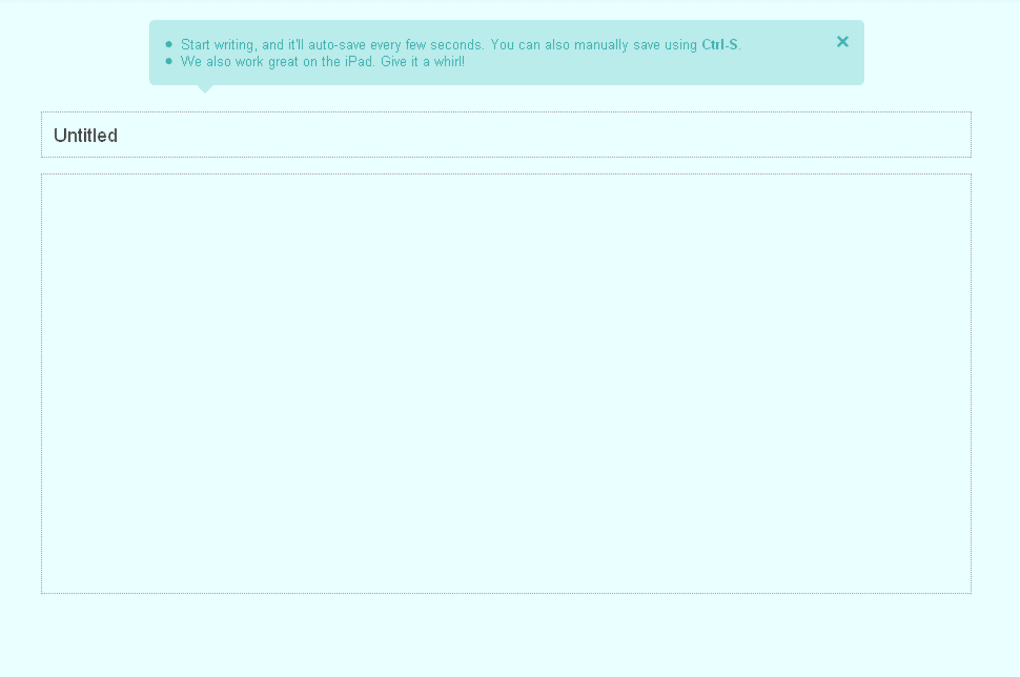
The interface is deliberately minimalist; there are no distracting sidebars, ads, or pop‑ups. You can either create a free account to claim a pen name that appears on public pieces, or write completely anonymously. Account holders gain access to a few extra settings, such as email notifications, font‑type choices, and a preview mode that lets you see how your work will look once published.
Because QuietWrite lives entirely in the cloud, you can reach your drafts from any device with an internet connection – a laptop in a café, a tablet on a train, or a phone in a waiting room. The service runs in any modern browser, so the operating system is essentially irrelevant; whether you are on Windows 10, macOS Ventura, Linux, Android, or iOS, the experience remains identical. This cross‑platform flexibility makes QuietWrite a genuinely universal tool for writers who value simplicity and reliability over feature bloat.
Compatible with all operating systems that support a modern web browser (Windows, macOS, Linux, Android, iOS).
Key Features, Pros & Cons
- Distraction‑free interface with a soothing gray‑teal color palette.
- Automatic cloud‑save every few seconds – never lose a paragraph.
- Live word‑count tracker displayed prominently.
- Anonymous writing mode for privacy‑first creators.
- Simple account system that only stores a pen name.
- Customizable font type and color for personal comfort.
- One‑click export to WordPress for seamless blog publishing.
- Preview mode for logged‑in users to see formatted output.
- Beta‑stage feedback forum where users can suggest new features.
Pros
- Ultra‑minimalist design keeps focus on the text.
- Real‑time auto‑save eliminates fear of data loss.
- Works on any device with a browser – true cross‑platform freedom.
- No registration required for quick, anonymous sessions.
- Free to use with optional account for pen‑name branding.
Cons
- Lacks social interaction tools (no likes, follows, or favorites).
- Comment system is very basic and not threaded.
- Feature set is intentionally limited – power users may miss advanced editing tools.
- Still in beta; occasional minor bugs may appear.
- No offline mode – internet connection is required.
Installation, Usage Instructions & Frequently Asked Questions
Because QuietWrite is a pure web application, there is no traditional installation process. Follow these simple steps to start writing instantly:
- Open your preferred web browser (Chrome, Firefox, Safari, Edge, or any modern alternative).
- Navigate to https://quietwrite.com.
- Click “Start Writing” to open the editor in anonymous mode, or select “Sign Up” to create a free account.
- If you register, choose a pen name – this is the only public identifier linked to your pieces.
- Adjust font style, size, and text color using the gear icon in the top‑right corner.
- Begin typing; your words are saved automatically every few seconds to the cloud.
- Watch the live word‑count in the bottom‑left corner to track progress.
- When you’re ready, click “Export to WordPress” (available after login) to push the post directly to your blog.
- Log out or close the tab; your draft remains stored securely for later access.
FAQ – Structured Data for Search Engines
Is QuietWrite completely free to use?
Yes, QuietWrite offers all core features at no cost. Creating an account, using the auto‑save, word‑count, and export functions are all free. There are no hidden subscription fees.
Can I write without an internet connection?
Currently, QuietWrite requires an active internet connection because all drafts are stored in the cloud. Offline writing is not supported in the current beta version.
How secure is my data on QuietWrite?
The platform uses HTTPS encryption for all data transfers, and drafts are saved to secure cloud servers. While the service is free, the developers have emphasized privacy and do not sell user content.
Can I customize the look of the editor?
Yes, registered users can choose different font families, sizes, and text colors. The background palette remains a calming gray‑teal to preserve the distraction‑free atmosphere.
Is there a way to receive feedback on my writing?
QuietWrite includes a very basic commenting system, but it does not offer likes, follows, or detailed feedback tools. Writers seeking community interaction may need to share their drafts elsewhere for critique.
Conclusion & Call to Action
QuietWrite excels at what it sets out to do: provide a clean, reliable, and cloud‑backed environment where writers can focus solely on their words. The auto‑save mechanism and live word count are especially valuable for professionals who need to meet deadlines without worrying about technical hiccups. While the platform’s social features are intentionally sparse, this very minimalism can be a strength for those who prefer solitude over community pressure.
Because the service is free, works on any device, and requires no download, it represents a low‑risk, high‑reward addition to any writer’s toolkit. If you’re tired of juggling multiple desktop editors, cloud services, and distracting browser tabs, give QuietWrite a try today. Simply visit the website, start typing, and experience the calm for yourself.
Your next chapter, article, or poem is waiting – let QuietWrite be the quiet room that helps you bring it to life.



.png)



